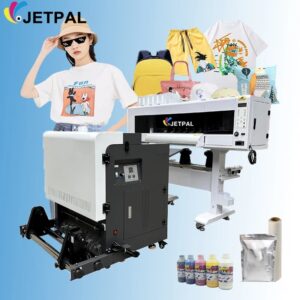
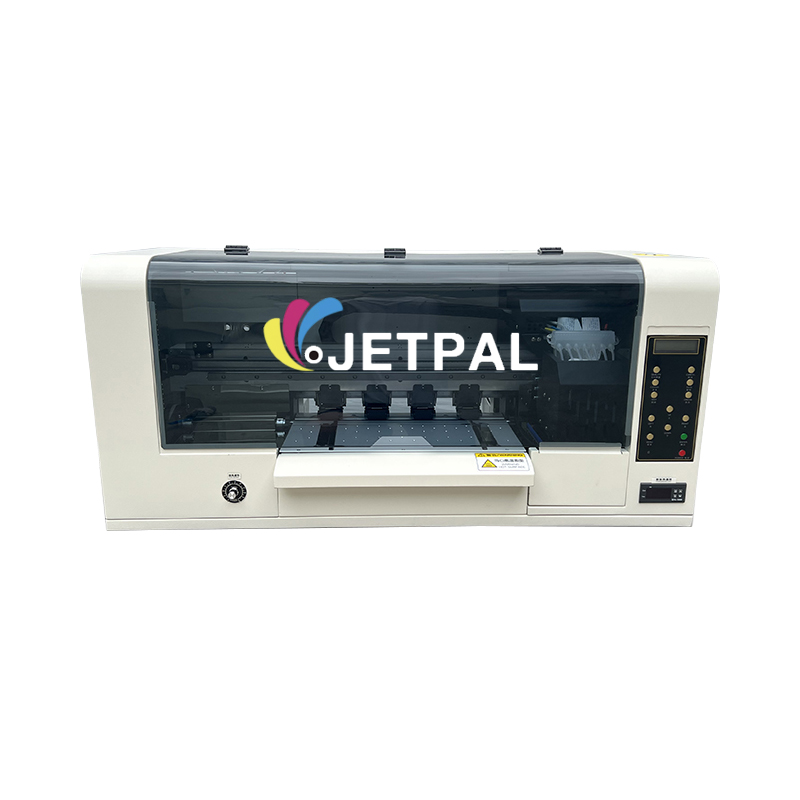
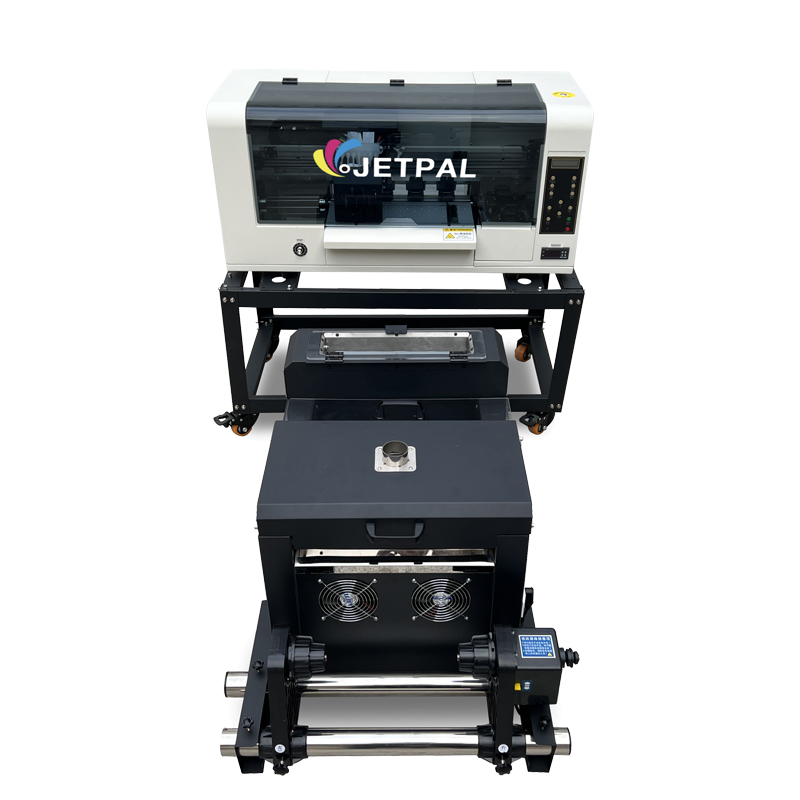
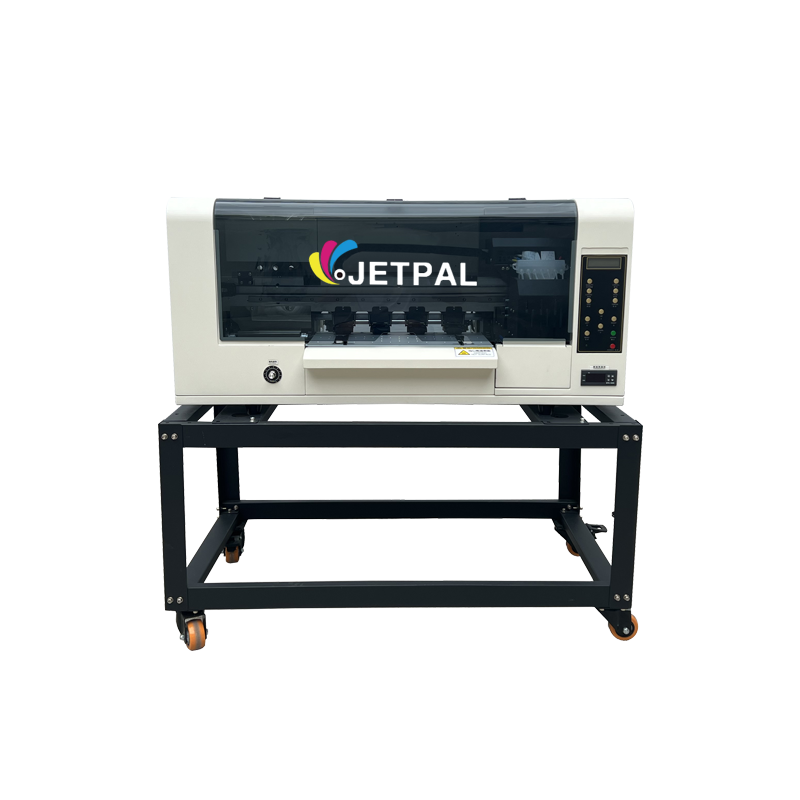
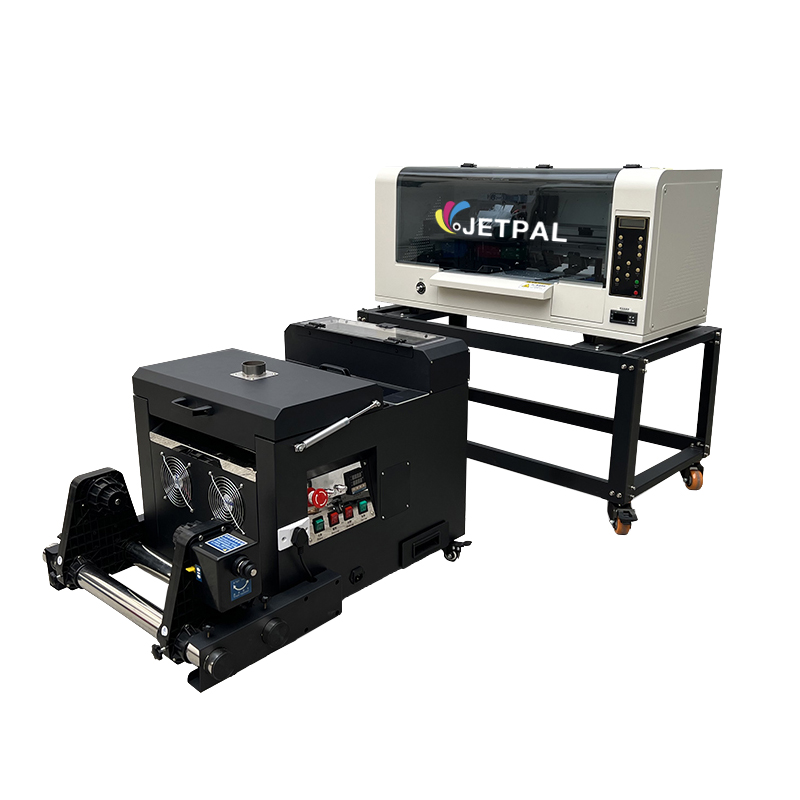
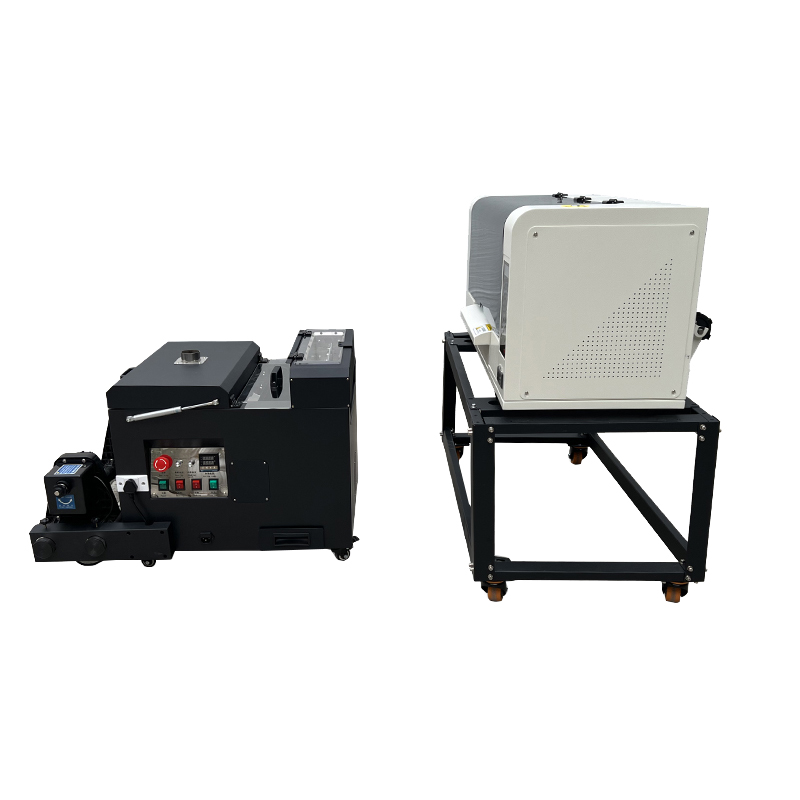
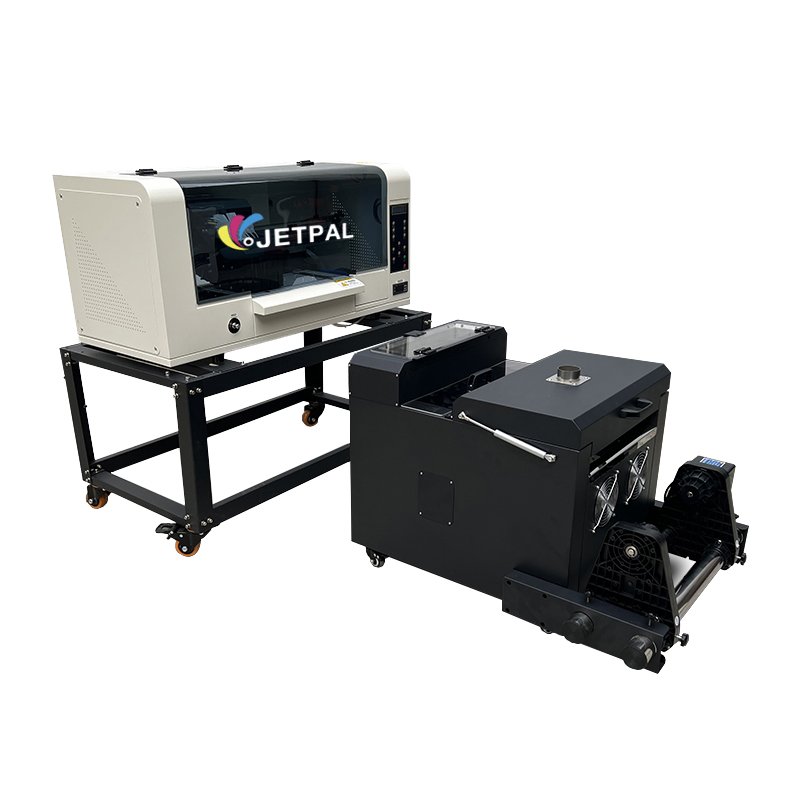
A3 DTF Printer Dual Head XP600 Workhorse Jetpal

R 99,900.00

  • USD: 6,052.23$

Complete Direct-to-Film (DTF) Printing Solution for Cotton & Fabric Transfers

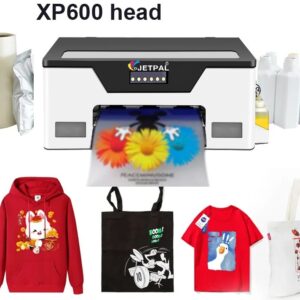
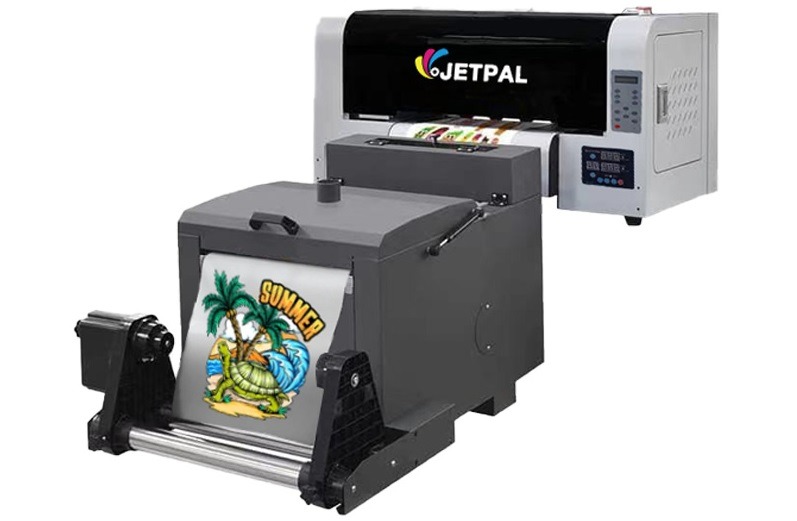
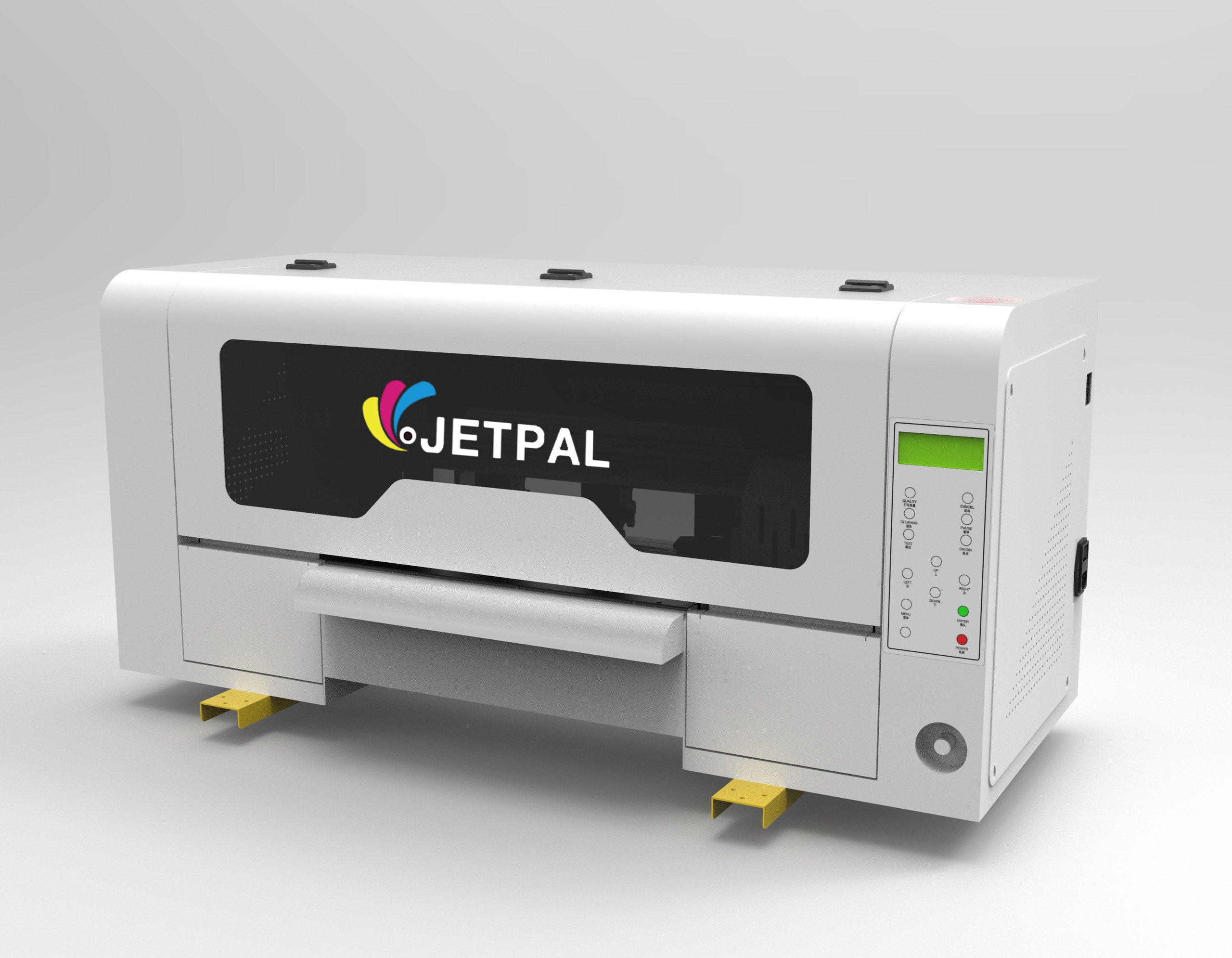
The Jetpal A3 DTF Printer is a high-performance digital heat transfer system designed for T-shirt printing, fabric customization, and textile branding. Featuring dual XP600 print heads, this machine delivers fast, high-resolution prints with vibrant colors and strong durability.

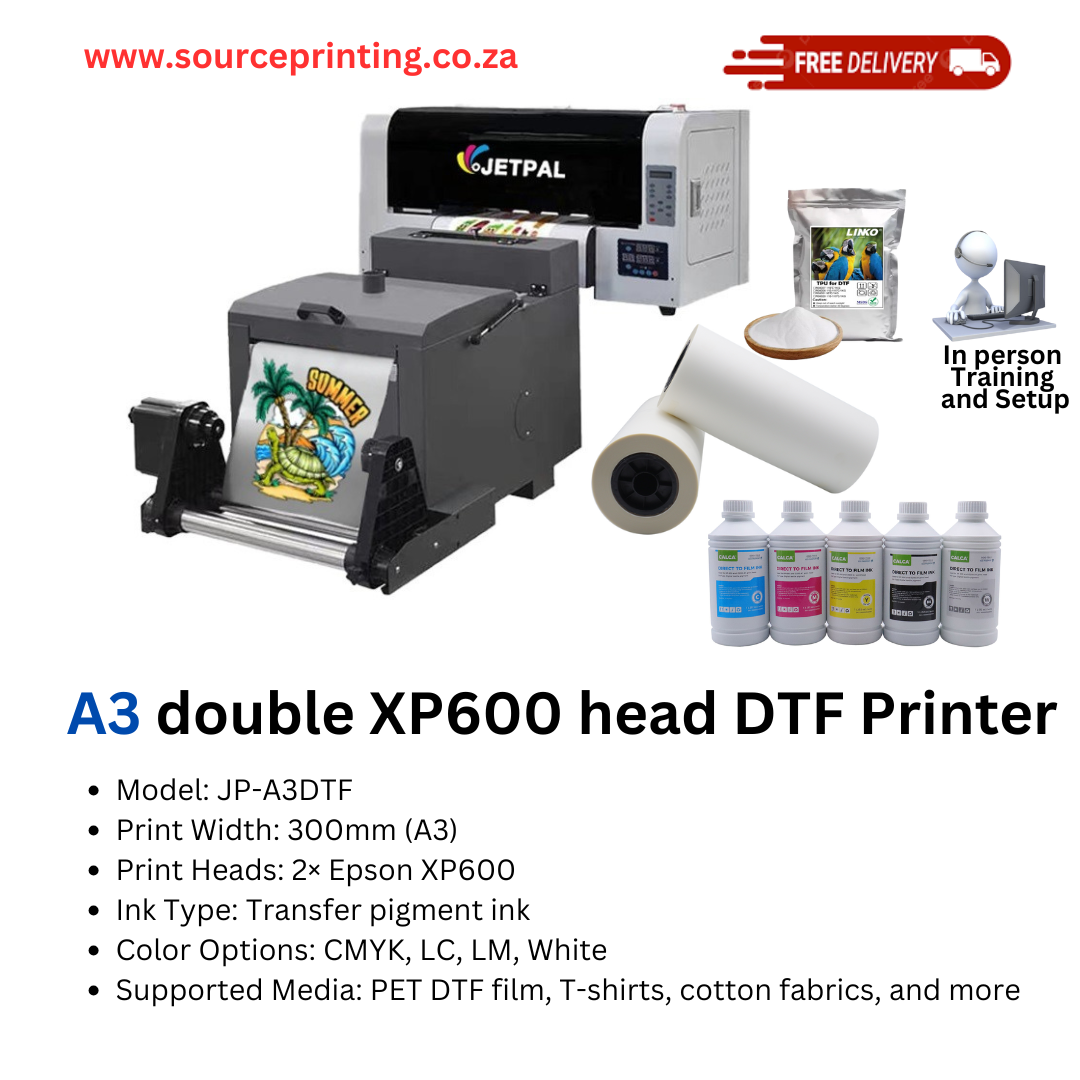
  • Model: JP-A3DTF
  • Print Width: 300mm (A3)
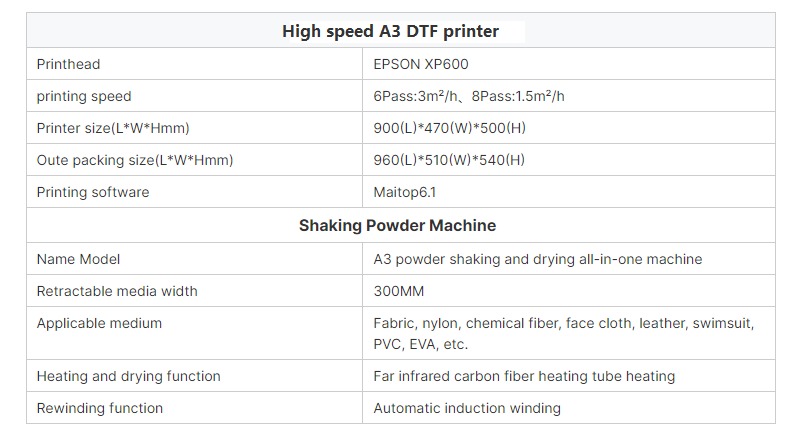
  • Print Heads: 2× Epson XP600
  • Print Speed:
    • 4 Pass: Fast production mode
    • 6 Pass: 3m²/h (balanced speed & quality)
    • 8 Pass: 1.5m²/h (highest quality mode)
  • Ink Type: Transfer pigment ink
  • Color Options: CMYK, LC, LM, White
  • Supported Media: PET DTF film, T-shirts, cotton fabrics, and more

Why Choose the Jetpal A3 DTF Printer?

High-speed & precision printing with dual XP600 heads.
No need for pretreatment—print and apply directly to garments.
Strong ink adhesion for durable, stretch-resistant transfers.
Ideal for businesses, startups, and bulk apparel production.


This A3 DTF printing system is perfect for custom apparel, fashion brands, and promotional printing.

Free Delivery (Expected delivery between 7 Jan and 9 Jan) for this product.

Description

@sourceprinting.co.za♬ original sound – sourceprinting

@sourceprinting.co.za♬ Confidence Booster – Khanyisa_Jaceni

The Jetpal A3 DTF Printer Dual Head XP600 is a high-performance direct-to-film (DTF) printing system designed for businesses involved in custom apparel, fabric branding, and promotional printing. Here’s an overview of what you can do with it:

What You Can Do with the Jetpal A3 DTF Printer:

  1. Custom T-Shirt Printing
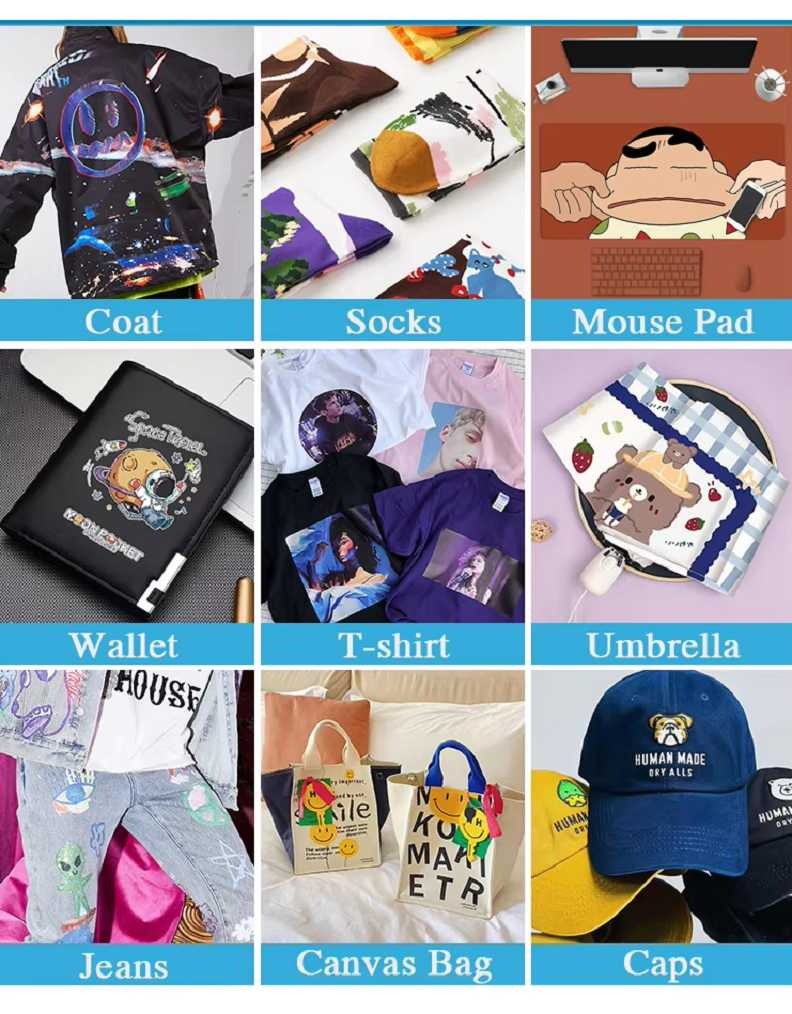
    Create custom designs on cotton T-shirts and other fabric apparel. The direct-to-film method allows for vibrant, durable prints without the need for pretreatment, making it perfect for custom clothing businesses.
  2. Fabric Customization
    Print designs directly onto cotton fabrics, polyester blends, and more for a variety of custom fabric products, from clothing to accessories.
  3. Promotional Merchandise Printing
    Print logos, designs, and graphics for custom promotional items like bags, hats, and more. This is ideal for small businesses and startups looking to offer custom branded merchandise.
  4. High-Resolution, Full-Color Transfers
    With dual Epson XP600 heads and the ability to use CMYK, LC, LM, and White inks, you can print complex, high-resolution designs with vibrant colors that maintain quality after washing.
  5. Bulk Apparel Production
    This printer’s high speed and precision make it perfect for bulk printing apparel, whether for fashion brands or promotional clothing for events, trade shows, or corporate giveaways.
  6. Stretch-Resistant Transfers
    The strong ink adhesion ensures that the printed designs are stretch-resistant and can withstand washing, making it perfect for activewear and long-lasting custom apparel.
  7. Cost-Effective and Efficient
    With a relatively low initial investment, the Jetpal A3 DTF Printer offers a cost-effective solution for businesses that want to print directly on garments without using more complex methods like screen printing or heat transfer vinyl.

Key Features:

  • Dual XP600 Print Heads: High-speed and high-resolution printing with superior color accuracy.

  • Print Width: A3 (300mm), ideal for medium-sized designs and transfers.

  • Print Speed:

    • 4 Pass: Fast production mode for quick jobs.

    • 6 Pass: Balanced speed and quality (3m²/h).

    • 8 Pass: Highest quality prints (1.5m²/h).

  • Ink Type: Transfer pigment ink, designed for durability and color vibrancy.

  • Color Configuration: CMYK, LC, LM, White for a full range of colors and designs.

  • Supported Media: PET DTF film, cotton T-shirts, fabrics, and more.

  • Durable Transfers: No pretreatment required, just print and apply directly to garments.

  • Cost-Effective Solution: Ideal for businesses and startups with a need for low-cost, high-quality prints.

Ideal For:

  • Custom Apparel Businesses: Offering personalized T-shirts, hoodies, and other custom clothing.
  • Fashion Brands: High-quality prints for fashion lines and merchandise.
  • Promotional Product Companies: Printing custom designs for giveaways, corporate swag, and more.
  • Startup Clothing Lines: Small businesses looking for affordable and efficient garment printing solutions.
  • Bulk Printing for Events: Trade shows, schools, sports teams, etc., needing custom apparel in high quantities.


Jetpal A3 DTF Printer with XP600 Dual Head  

Complete Direct-to-Film (DTF) Printing Solution for Cotton & Fabric Transfers

The Jetpal A3 DTF Printer is a high-performance digital heat transfer system designed for T-shirt printing, fabric customization, and textile branding. Featuring dual XP600 print heads, this machine delivers fast, high-resolution prints with vibrant colors and strong durability.


Key Features:

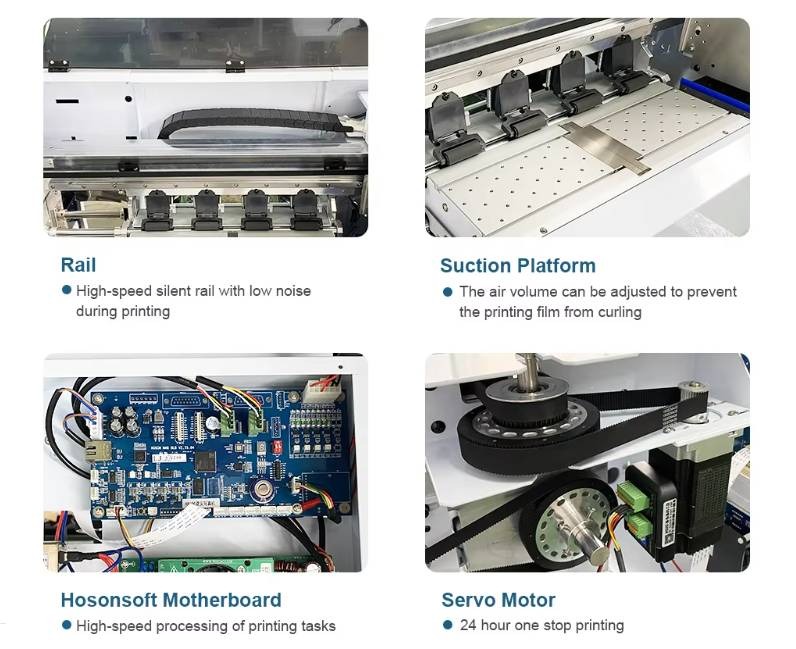
Dual Epson XP600 Print Heads

  • High-speed printing: Up to 4.8m²/h output for efficient production.
  • Supports 4 Pass, 6 Pass, and 8 Pass printing for different quality needs.

Print & Bake in One Go

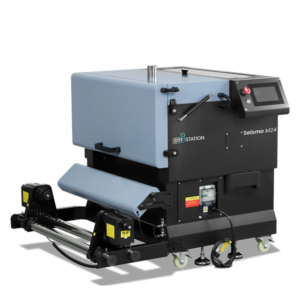
  • Equipped with an integrated Mini Powder Shaker Machine for seamless printing and curing.
  • Ensures smooth ink adhesion and strong wash durability.

White Ink Circulation System

  • Prevents ink sedimentation and clogging, keeping print heads in top condition.
  • Automatic white ink stirring ensures consistent ink flow for optimal performance.

High-Quality Heat Transfer Pigment Ink

  • Supports CMYK, LC, LM, and White ink configuration.
  • Achieves brilliant colors and crisp details on dark and light fabrics.

Flexible Print Width & Film Handling

  • Print width: 300mm (A3 size)
  • Works with PET DTF film for durable and stretch-resistant transfers.

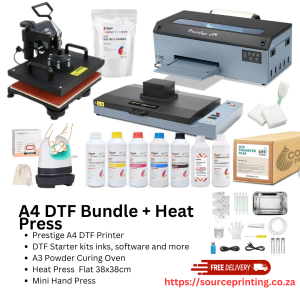
T-Shirt Heat Press Machine Included

  • Designed for easy application of DTF transfers onto cotton, polyester, and blended fabrics.
  • Ensures long-lasting, fade-resistant prints.

Technical Specifications:

  • Model: JP-A3DTF
  • Print Width: 300mm (A3)
  • Print Heads: 2× Epson XP600
  • Print Speed:
    • 4 Pass: Fast production mode
    • 6 Pass: 3m²/h (balanced speed & quality)
    • 8 Pass: 1.5m²/h (highest quality mode)
  • Ink Type: Transfer pigment ink
  • Color Options: CMYK, LC, LM, White
  • Supported Media: PET DTF film, T-shirts, cotton fabrics, and more

Why Choose the Jetpal A3 DTF Printer?

High-speed & precision printing with dual XP600 heads.
No need for pretreatment—print and apply directly to garments.
Strong ink adhesion for durable, stretch-resistant transfers.
Ideal for businesses, startups, and bulk apparel production.


This A3 DTF printing system is perfect for custom apparel, fashion brands, and promotional printing.


SourcePrinting Quality Warranty

At SourcePrinting, we provide a limited product warranty on machine parts for the specified periods, including relevant subsystems. This warranty covers defects due to faulty materials or poor craftsmanship during manufacturing. However, it does not cover normal wear and tear or misuse of the machine or its parts.

Printhead – No Warranty

The printhead is a consumable with a limited lifespan and is highly sensitive to voltage fluctuations. Even with an automatic cleaning system, clogging can occur over time, requiring proper maintenance. Partial clogging is expected during usage, even with regular manual cleaning.

For printers purchased from SourcePrinting: We provide training on printhead care during installation.
For third-party machines: We do not offer installation services for separately purchased printheads.


DTF Printer Maintenance Guide for Buyers

Maximize Your DTF Printer’s Lifespan & Performance

Direct-to-Film (DTF) printing is an excellent solution for custom garment and merchandise printing, but like any high-tech equipment, it requires regular maintenance to keep it running smoothly. This guide will walk you through key maintenance tips and considerations for getting the most out of your DTF printer.


Key Considerations Before Purchasing a DTF Printer

  1. Daily Use is Crucial

    • DTF printers require frequent use to keep the printheads and ink systems functioning properly. If you’re not planning to print every day or frequently, DTF may not be the best fit for you.
    • Tip: If you don’t print daily, it might be more practical to outsource your DTF printing to a professional service instead. This can save you from having to invest in regular maintenance and risk damage due to extended idle times.
  2. Space & Setup

    • Ensure that you have a dedicated space for your DTF printer with a stable, clean environment. Humidity and temperature fluctuations can affect print quality and machine performance.

Daily Maintenance (Before and After Each Print Job)

  1. Clean Printheads

    • Clean the printheads at the start and end of each printing session to prevent clogging. Use a soft lint-free cloth and isopropyl alcohol to gently wipe the heads.
    • Tip: Run a cleaning cycle through your printer if you notice a drop in print quality (banding, missing colors, etc.).
  2. Check Ink Levels

    • Always monitor ink levels. Low ink can cause poor print quality and damage the printhead. Make sure to have backup ink on hand.
    • Tip: Use high-quality inks that are compatible with your printer to avoid clogging and ensure vibrant prints.
  3. Monitor the Printer Bed

    • Ensure the printer bed is clean and free of any debris or excess ink that could interfere with the print process. Use a lint roller or soft brush to gently clean the surface.
  4. Adjust the Print Settings

    • Verify the print settings (speed, temperature, and pressure) before starting each job to ensure optimal results.
    • Tip: Run a test print regularly to check for any discrepancies in colors or resolution.

Weekly Maintenance

  1. Deep Clean the Printhead

    • Perform a deep clean once a week to maintain the best quality and prevent any ink build-up that could lead to printhead damage. Use a cleaning solution specifically designed for DTF printers.
  2. Check Ink Flow & Hose Connections

    • Inspect all ink hoses and connections for any signs of wear or leaks. Ensure there are no blockages or air pockets in the system.
  3. Update Software & Firmware

    • Make sure your printer’s software and firmware are up to date. This can help with efficiency, new features, and resolving any bugs or issues.
  4. Check for Calibration Issues

    • Check the printer for calibration issues and realign the printhead if necessary. This ensures accurate color printing and prevents misalignment.

Monthly Maintenance

  1. Perform a Full Printer Cleaning

    • At least once a month, perform a comprehensive cleaning of the printer, including the printhead, rollers, and internal components.
    • Tip: Follow the manufacturer’s recommended procedure to prevent voiding the warranty or causing any unnecessary damage.
  2. Replace Consumables

    • Check the condition of consumables like transfer film, ink cartridges, and printhead caps. Replace them as needed to ensure optimal performance.
  3. Inspect the Printer’s Electrical Components

    • Inspect the power cables, connectors, and other electrical components to ensure everything is in working order.

Troubleshooting Common Issues

  1. Clogged Printheads

    • Symptoms: Lines or missing colors in prints.
    • Solution: Perform a cleaning cycle or manually clean the printhead with alcohol and a lint-free cloth. If the issue persists, contact technical support.
  2. Ink Smudging or Transfer Issues

    • Symptoms: Ink smudging during transfer or poor adhesion to the fabric.
    • Solution: Check the curing temperature and time. Make sure your transfer films are compatible and in good condition. You may need to adjust the heat press settings.
  3. Poor Print Quality

    • Symptoms: Faded or inconsistent prints.
    • Solution: Check ink levels, clean the printhead, and ensure proper calibration. Run test prints regularly to check for consistency.

When to Outsource DTF Printing

While DTF printing offers amazing results, it requires regular maintenance and daily use to keep it in good working condition. If you don’t plan to print daily or lack the resources for consistent upkeep, it may be better for you to outsource your DTF printing. This can help avoid potential problems with your machine and ensure that your prints remain high quality without the added effort of maintenance.


Conclusion

Maintaining your DTF printer is essential to achieving high-quality prints and prolonging the lifespan of the equipment. If you’re committed to regular use and upkeep, a DTF printer is an excellent investment. However, if you’re not planning to print every day, consider outsourcing your DTF printing to professionals for a hassle-free experience.

Ready to Purchase a DTF Printer or Need Help?
Reach out to us for expert advice, support, and a wide range of top-quality DTF printers that suit your business needs!